Ex-Terminator

Creating Reorderable Lists in the Unity Inspector

Update: Like this article? Then check out this other article on creating a dropdown filter for the Unity Inspector.

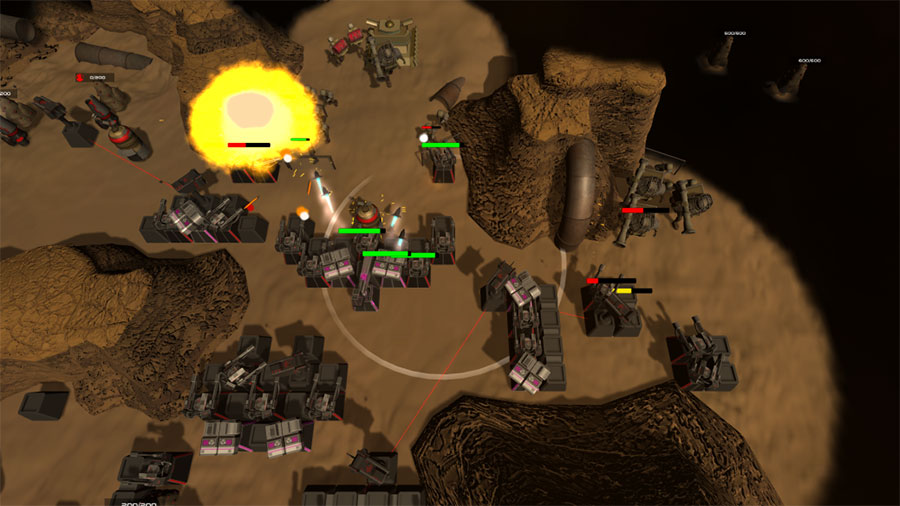
Over the last 5 months or so, me and my team have been involved in the development of a hybrid tower defense and RTS game called Ex-Terminator (click on the link to try it out, it’s free!) as part of a school project. During the course of developing the game, we quickly realised that, in order to allow us to have the flexibility to experiment with our level design, we had to experiment with a class in Unity called the ReorderableList.

If you’ve read some of the other articles here, you’d have noticed that we normally link Unity classes to its page on the Unity Scripting Reference. We didn’t do so here because there is no official documentation for it at the time this article was written. The ReorderableList class is filed under the namespace of UnityEditorInternal, which also doesn’t have official documentation. We’ve decided to write an article about it, however, because of how useful it is, and because of how little information there is currently about it online.

Continue reading
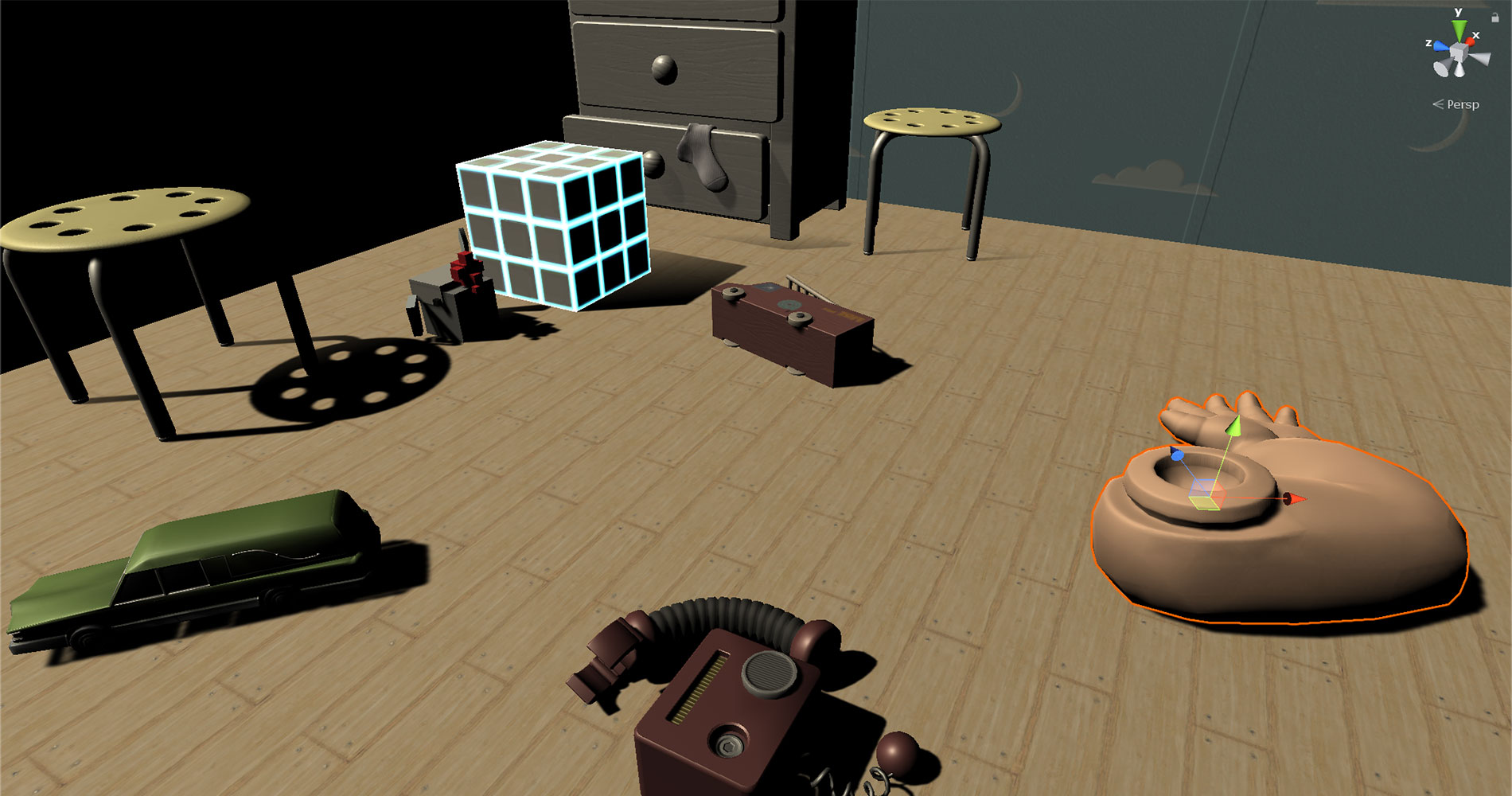
Unity Editor Scene view

Checking the type of GameObject you are colliding with in Unity

In any given game, you are probably going to find dozens, if not hundreds of different objects colliding or intersecting with one another. Hence, one of the first things you learn in Unity is how to identify the type of object you have touched. These are the most common ways to do so among beginners:

void OnTriggerEnter(Collider other) {
     // If a GameObject has an "Enemy" tag, remove him. 
    if(other.tag == "Enemy") {
        Destroy(other.gameObject);
    }
}
void OnCollisionEnter(Collision collisionData) {
    // If a GameObject has an "Enemy" tag, remove him.
    if(collisionData.collider.tag == "Enemy") {
        Destroy(other.gameObject);
    }
} 

Essentially, the idea is checking whether the object we are colliding with or touching has been labelled with an Enemy tag, before we perform any action on the object.

Where tags are assigned.
Image source: Unity Manual: Tags

While it is simple and easy-to-understand, there are better ways of identifying objects we are colliding with.

Continue reading
2D vector math hero - polar movement

Vector math for polar movement in 2D games (Unity)

Polar movement, i.e. moving objects at an angle, is something that people starting out in games programming often have trouble with. Coordinate systems are easy to understand, and so is moving things left and right or up and down; but what if you want to move at angles that are not parallel to an axis, like 30° upwards, or towards a target? How do you get a vector that represents that direction of movement?

Continue reading
Emission lighting in Unity

Getting your emission maps to work in Unity

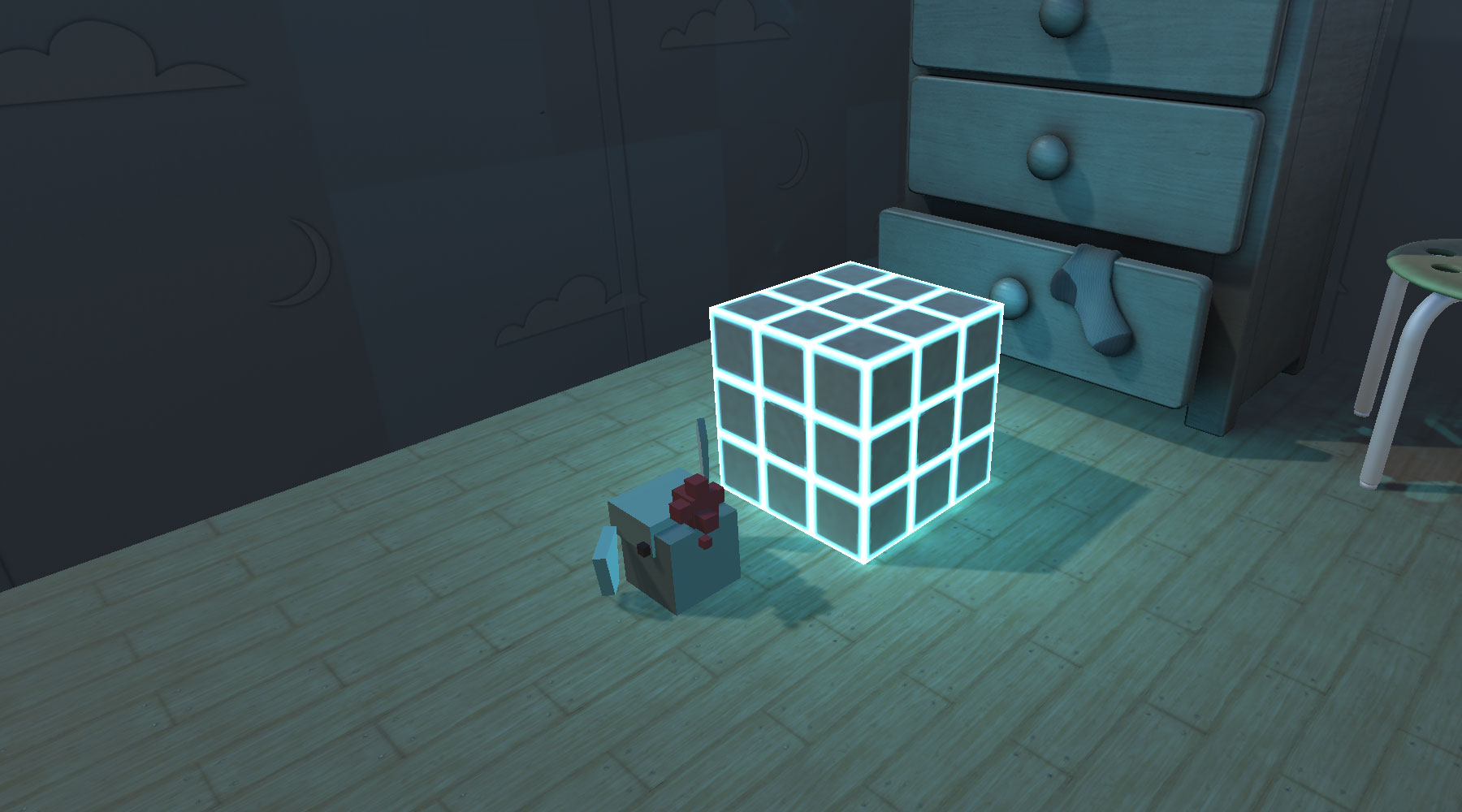
Emission maps (also known as emissive maps) are textures that can be applied to materials to make certain parts of an object emit light (like the cube in the image above). In Unity, lights from emission maps don’t start affecting the scene as soon as you place them on the material. There are a lot of settings you have to get right in your scene and material settings to get the emission maps working right.

Continue reading