Essentially, the CSV file format is meant to represent tabular data. The above CSV file represents the following table:
Username
Email
Address
Contact
johndoe
john@example.com
71 Pickering Street, Singapore, Singapore
+65-91234567
janedoe
jane@website.com
24 Raffles Lane, Singapore, Singapore
+65-81234567
marysmith
mary@smith.com
83 Riveting Road, Singapore, Singapore
+65-97654321
bobsmith
bob@smith.com
84 Riveting Road, Singapore, Singapore
+65-87654321
Due to their tabular nature, data in a CSV file can very easily be imported into and stored in an SQL table. The commands to do that, however, are not very well-documented online.
If a CSV file does not open as a text file on your computer, that’s because your computer is opening the file with a spreadsheet program such as Microsoft Excel. In such a case, to see the file as text, you will want to open these files on a text editing software such as Notepad.
Correction: In the video, we made a reference to the PlayerControllercomponent in the PlayerInteraction class. However, we later found that we didn’t make use of it at least in this part, so you can choose to skip that bit in the video for now, as it is redundant. They are highlighted in red in the finalised codes below.
Ever wanted to create a game like Harvest Moon in Unity? This is Part 3 of our guide, where we go through how to set up farmland elements that our player character will interact with. You can also find Part 2 of our guide here, where we went through how to set up our player camera.
In programming, a concept that usually creates a lot of confusion among those new to it is the concept of passing a variable by value, versus passing a variable by reference. The 2 examples below illustrate the difference between these two ways variables can be passed in Java:
If you’re just starting your foray into web development, you’ll probably find that HTML and CSS have a variety of quirks that can make working with them somewhat frustrating for beginners. One of these quirks involves the text-align CSS attribute, as the attribute only applies its effects to certain kinds of HTML elements.
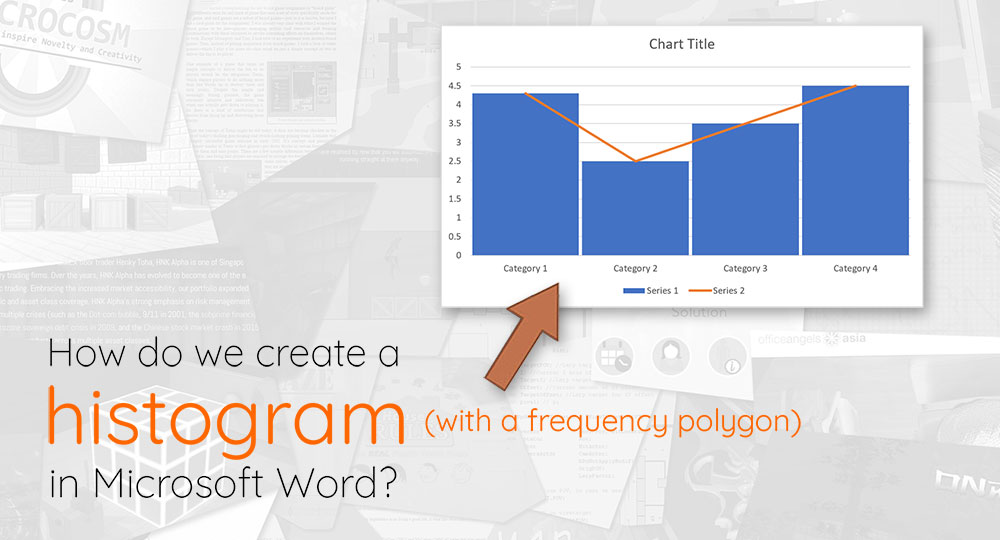
Microsoft Word has a bevy of powerful chart-making tools, capable of creating almost any kind of graph or chart that one can imagine. The way to create some of these charts are not immediately obvious, however, and one of these kinds of charts is the histogram (with an accompanying frequency polygon).
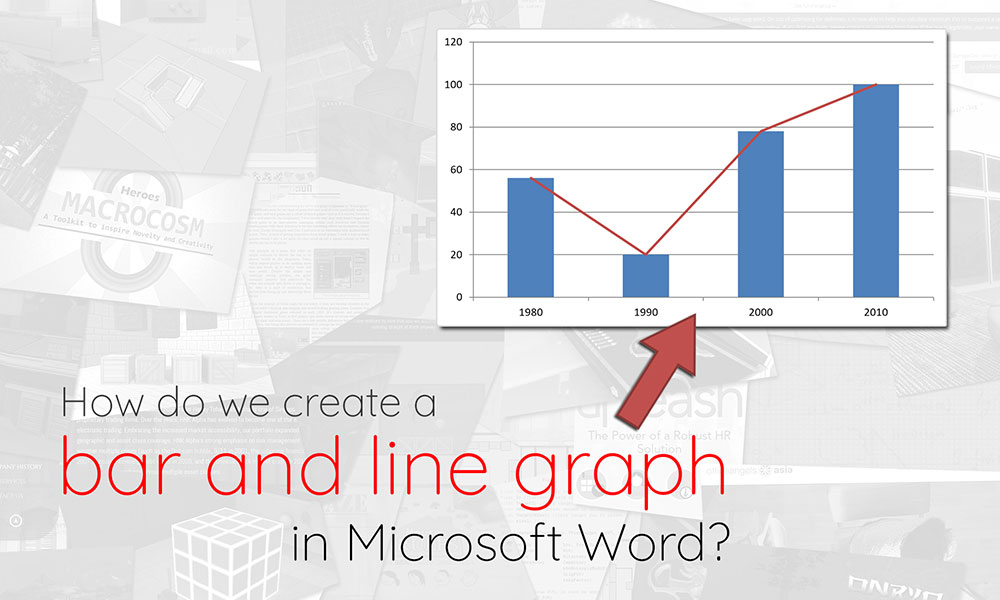
Are you tearing your hair out trying to figure out how to create a bar-line chart (i.e. a combination of a bar chart and a line chart) in Microsoft Word? Look no further, we’ve got step-by-step instructions for you in this post, as well as an accompanying video guide.
Most programming languages come with native functions that help us round our numbers, either upwards (i.e. ceiling operation), downwards (i.e. floor operation), or to the nearest whole (i.e. round operation). While this is convenient, we sometimes need a bit more than that — what if — for example — we want to round our numbers to the nearest 0.5, or the nearest 3rd?
Over the weekend, I’ve spent a substantial chunk of time figuring out how to add a virtual host onto a client’s subdomain. In laymen’s terms, this means that:
My client has a website hosted on a domain (which we shall call example.com, for confidentiality reasons)
We want to build a web application on app.example.com, which will be entirely separate from example.com.
To save on cost, we want to host app.example.com on the same server that example.com is using (i.e. create a virtual host on the web server).
This means that we have to configure our web server so that it will serve a different webroot depending on the domain it is being accessed from.
If you’ve worked with Lists in Python before, you’ll quickly realise that they work differently from primitives like integers and strings. Consider the following:
a = "hello"
b = a
a = "world"
print(a) # Outputs world
print(b) # Outputs hello
Notice that changing the value of a does not change the value of b. This is called passing by value. In Python, Lists do not behave this way:
a = [2, 3, 4, 5]
b = a
a.append(6)
print(a) # Outputs [2, 3, 4, 5, 6]
print(b) # Outputs [2, 3, 4, 5, 6]
In the above example, notice that changing the value of List aalso changes the value of List b. This is because both a and b are referring to the same List, and this is called passing by reference.